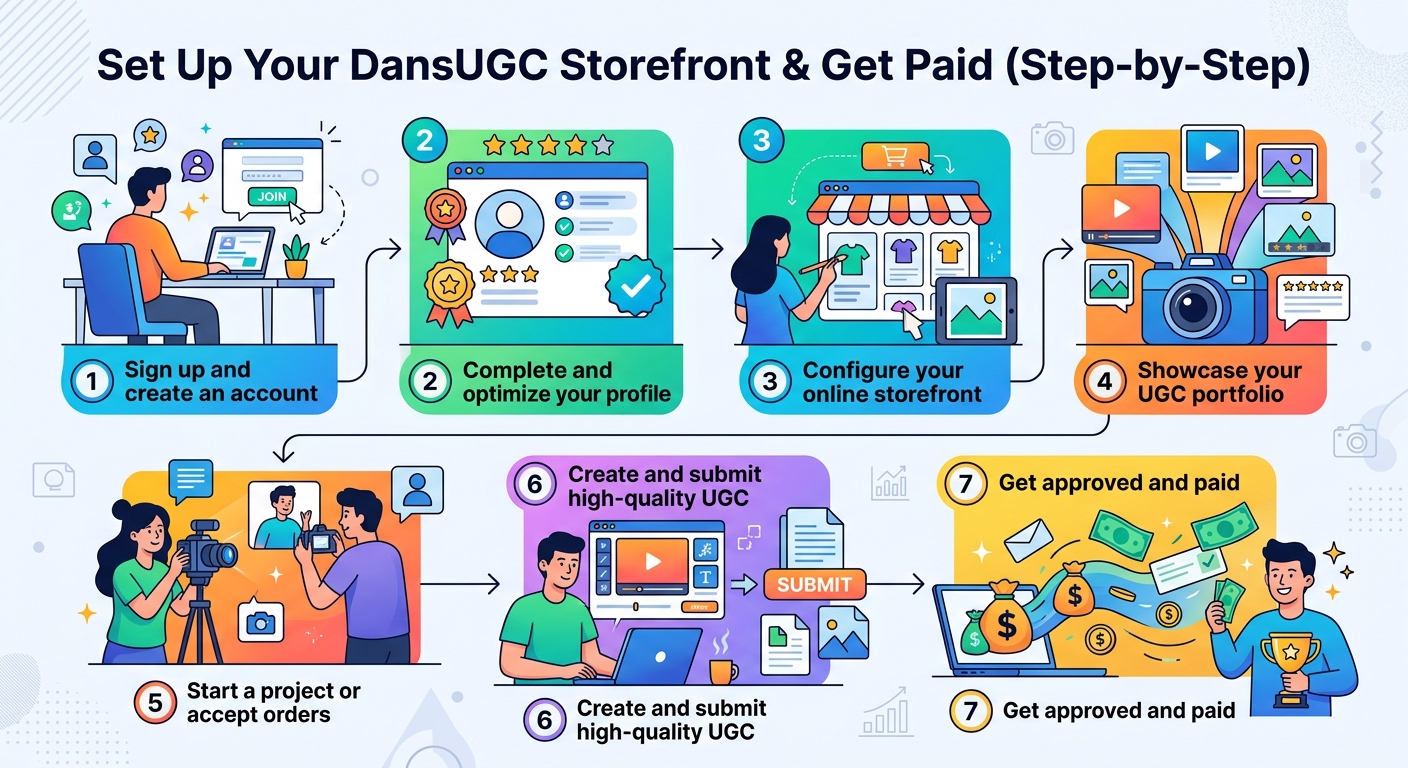
Set Up Your DansUGC Storefront & Get Paid (Step-by-Step)
Your DansUGC creator storefront is a branded link-in-bio page that lets brands order UGC packages directly from you — no cold pitching required. Here's exactly how to set it up and start receiving paid orders today.
Set Up Your DansUGC Storefront & Get Paid (Step-by-Step)
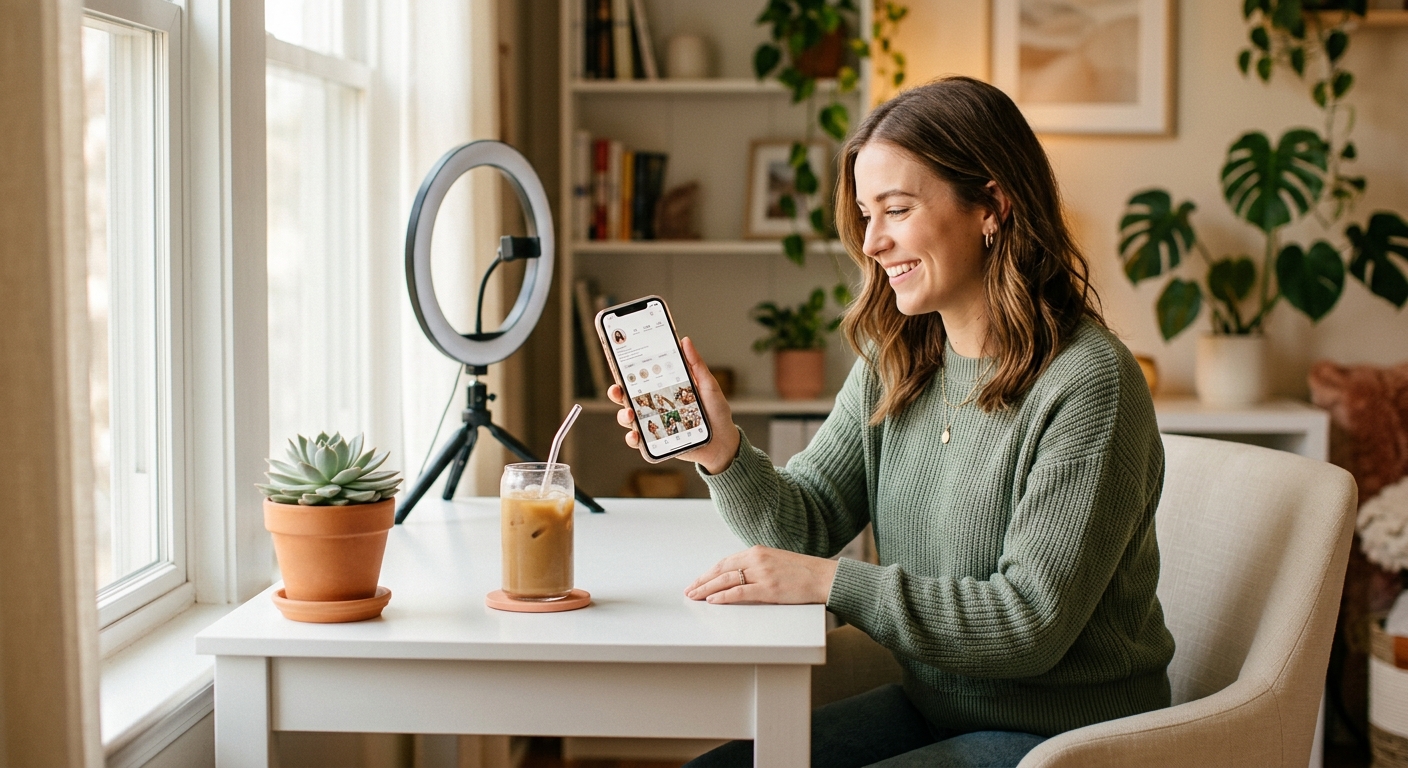
A DansUGC creator storefront is a dedicated link-in-bio page built specifically for UGC creators, where brands can browse your packages, view your portfolio, and place orders directly, all without you having to pitch a single cold email. It takes under 10 minutes to set up, and creators on DansUGC report receiving their first inbound inquiry within days of going live.
If you've been hunting for brand deals manually or sending Google Docs rate cards that never get a response, this is a faster path to paid work.
---
What Is a DansUGC Creator Storefront?
Unlike generic link-in-bio tools like Linktree or Beacons, DansUGC is purpose-built for UGC creators. Your storefront functions like a mini e-commerce shop: brands land on your page, see your pricing tiers, and can submit an order brief without needing a back-and-forth negotiation.
This matters because brands, especially app companies and DTC brands running TikTok ads, want to move fast. When they can see exactly what they're getting and pay on the spot, your conversion rate from "interested" to "paid" jumps dramatically.
---
Step 1: Sign Up at DansUGC.com/link-in-bio
Head to dansugc.com and click Get Started or navigate directly to `/link-in-bio`. You'll create an account with your email, no credit card needed to launch your storefront.
During signup you'll be asked for:
- Your creator name (this appears in your storefront URL, e.g., `dansugc.com/yourname`)
- Your primary content niche (beauty, app/SaaS, food & bev, fitness, lifestyle, etc.)
- Your social handles (optional but recommended for social proof)
Pro tip: Choose a creator name that matches your existing social handles. Consistency builds trust when brands check you out across platforms.
---
Step 2: Build Your Profile
Your profile is the first thing a brand sees. Spend 5 minutes here, it makes a real difference.
Profile Photo
Use a clear, well-lit headshot or a photo of you creating content. Avoid selfies with cluttered backgrounds. Brands are buying *you*, so look the part.
Bio (2–3 sentences)
State who you create for, what formats you specialize in, and what makes your content convert. Example: *"I create UGC reaction videos and product walkthroughs for mobile apps and DTC brands. My content is casual, authentic, and built for TikTok and Meta ads. 50+ brand collabs completed."*
Portfolio Section
Upload 3–6 of your best pieces. If you're just starting out, create 2–3 spec pieces for brands you actually use. Quality over quantity, one great video beats six mediocre ones.
If you're still building your portfolio, check out our guide on what to include in a UGC creator portfolio for exactly what brands want to see.
---
Step 3: Create Your Packages
This is where most new creators undercharge. DansUGC makes package creation straightforward, you define the deliverable, the price, and the turnaround time.
Recommended Package Structure
Starter Package, $150–$250
- 1 raw UGC video (30–60 seconds)
- 1 revision round
- 5–7 day delivery
- Usage rights: 6 months
Standard Package, $350–$500
- 3 raw UGC videos (varied hooks/angles)
- 2 revision rounds
- 7–10 day delivery
- Usage rights: 12 months
Premium Package, $700–$1,000+
- 5 UGC videos with hook variations
- Edited + captions version included
- 10–14 day delivery
- Unlimited usage rights
Never go below $150 for a single video, that's the market floor for quality UGC in 2026. If you're not sure how to price more confidently, read our full breakdown on how to price your first UGC package.
Add-Ons That Convert
DansUGC lets you add optional extras to any package:
- Rush delivery (+$50–$100)
- Extra revision (+$30–$50)
- Raw footage file (+$25)
- Additional hook variations (+$50 each)
Add-ons increase your average order value without complicating your main packages.
---
Step 4: Set Your Availability and Turnaround
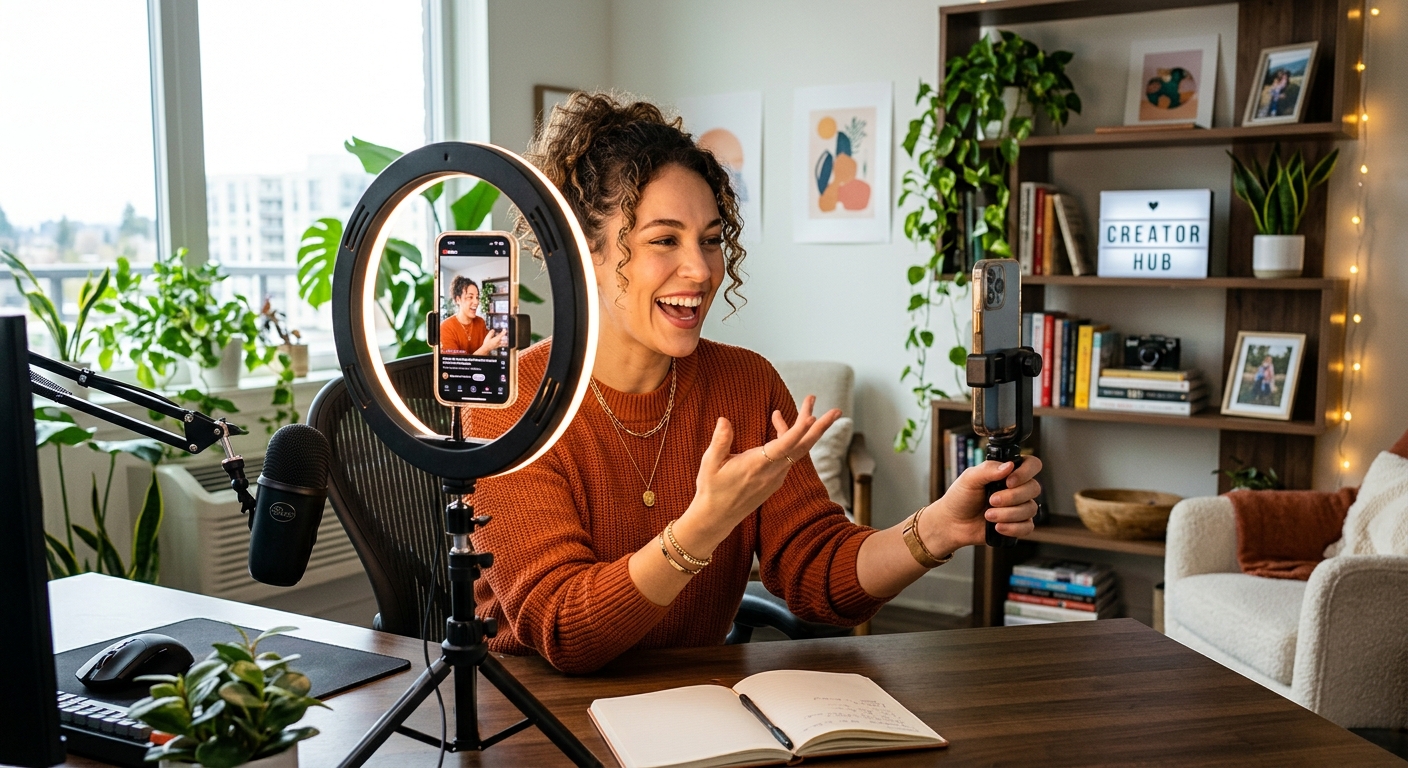
Don't skip this step. Brands will check whether you're taking orders before they spend time on a brief.
In your DansUGC dashboard, you can toggle your availability (open/closed) and set a current estimated turnaround. If you're juggling multiple projects, be honest, brands respect realistic timelines more than promised deadlines that slip.
Set a weekly order cap if you want to avoid overcommitting. Most full-time creators cap at 3–5 new orders per week to maintain quality. This is also a smart pricing signal: scarcity implies demand.
---
Step 5: Publish and Share Your Storefront Link
Once your profile, portfolio, and packages are set, hit Publish. Your storefront is now live at your unique DansUGC URL.
Where to share it:
- TikTok bio, the highest-use placement; brand scouts actively search for UGC creators here
- Instagram bio, especially effective for beauty, lifestyle, and food niches
- LinkedIn headline/about, underrated for B2B SaaS and app UGC
- Cold email signature, if you do outreach, link here instead of a PDF rate card
- Twitter/X bio, useful for tech/app brand contacts
The goal is to make it trivially easy for brands to go from finding you to placing an order, no DMs, no emails, no negotiation required.
---
Step 6: Receive Orders and Fulfill Them
When a brand places an order, you'll get notified via email and in your DansUGC dashboard. The order brief will include:
- Brand name and product details
- Key messaging and talking points
- Preferred tone/style
- Any specific hooks or angles they want tested
Deliver on time, communicate proactively if anything changes, and always send a professional delivery message with your files. That last step drives repeat orders more than anything else.
---
Tips to Maximize Your Storefront's Performance
Update your portfolio regularly. Add new work every 2–4 weeks. Stale portfolios signal inactivity to brands.
A/B test your package names. "Starter Video" performs worse than "1x UGC Reaction Video, 30 sec" because specificity builds confidence.
Ask for reviews. After each successful order, ask the brand for a brief testimonial. Even one or two real reviews dramatically increase conversion.
Raise prices as you book up. If your calendar fills within 48 hours of opening spots, you're underpriced. Increase by 20% and test again. Learn more about UGC creator rate cards to benchmark your pricing.
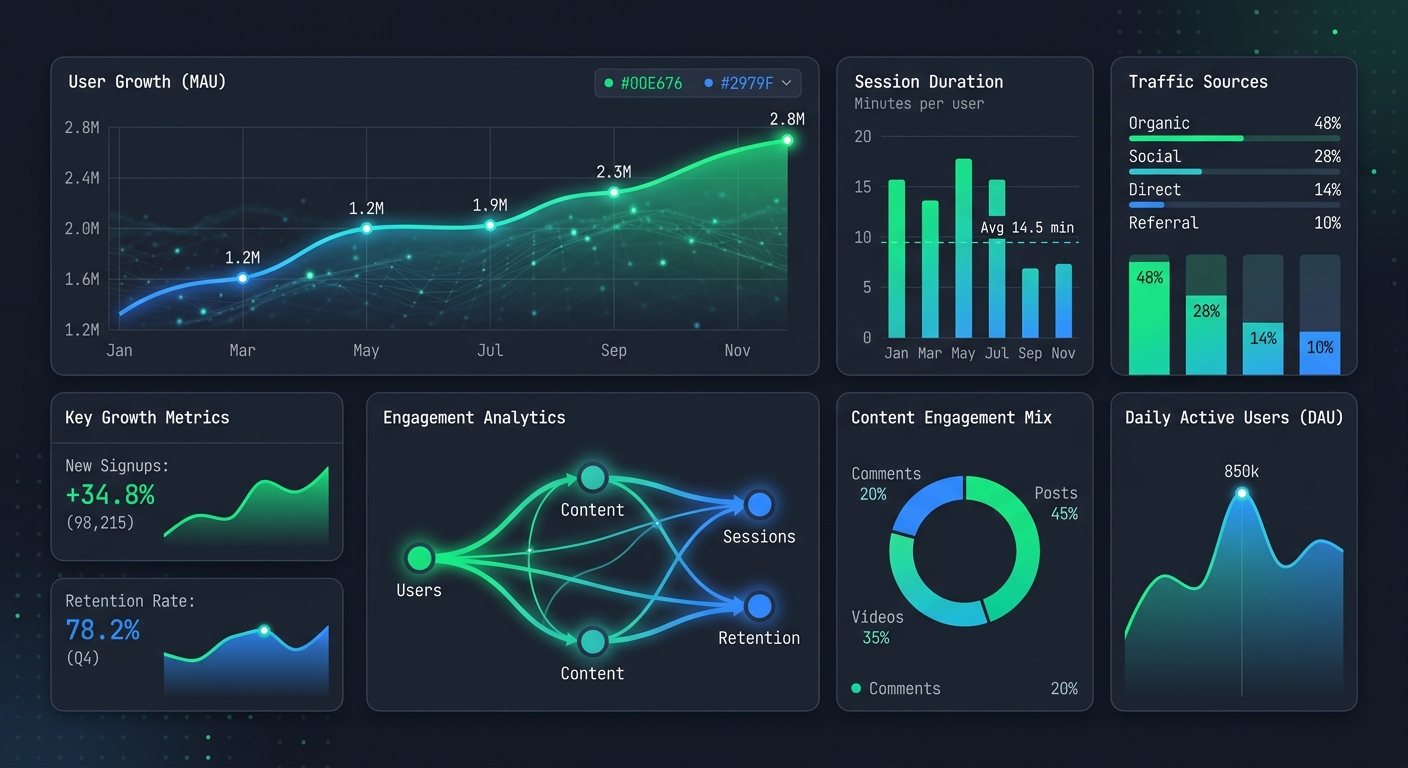
Use the analytics. DansUGC shows you how many brands viewed your page vs. converted. If view-to-order rate is low, your portfolio or pricing needs work. If traffic is low, your distribution needs work.
---
How Long Until Your First Order?
Creators with a solid portfolio (3+ quality pieces) and a well-written bio typically receive their first inquiry within 1–2 weeks of publishing. Creators who actively promote their storefront link in TikTok bios often see inquiries within 48–72 hours.
The fastest path: publish today, add your DansUGC link to every social bio tonight, and post one piece of content tomorrow that shows your UGC work in action with your storefront link in the caption.
DansUGC is free to set up, you only pay when you start earning. There's no reason to wait.
---
FAQ
How long does it take to set up a DansUGC creator storefront?
Most creators complete their profile, portfolio upload, and first package in under 10 minutes. The full setup including portfolio curation takes 20–30 minutes if you already have content ready.
Do I need a large following to use DansUGC?
No. DansUGC is built for UGC creators specifically — brands aren't hiring you for your audience size, they're hiring you for your ability to create authentic-looking content. A portfolio of quality work matters far more than follower count.
What percentage does DansUGC take from my earnings?
DansUGC operates on a platform fee model. Check the current fee structure on dansugc.com — fees are clearly disclosed before you publish and are competitive with other creator marketplaces.
Can I use DansUGC alongside other platforms like Beacons or Contra?
Yes. Many creators list their DansUGC storefront as their primary link-in-bio because it's optimized for conversions, while maintaining profiles on other platforms for discovery. There's no exclusivity requirement.
What types of brands typically order from DansUGC creators?
The most active buyers are mobile app companies, DTC consumer brands, and e-commerce sellers running TikTok and Meta ad campaigns. Beauty, wellness, food & beverage, and SaaS apps are the highest-volume niches on the platform.
Ready to get UGC videos for your brand?
Real human creators, 48-hour delivery, full commercial rights. Starting at $9/video.